A Developer's Guide to Enterprise Asset Management
For most developers, "Enterprise Asset Management" sounds like a back-office system for tracking forklifts. But if you think of it as a real-world service registry, things get a lot more interesting. Every server, software license, or piece of machinery is just an asset with a defined state, dependencies, and a lifecycle. EAM is the infrastructure that keeps track of it all.
Unpacking EAM From a Developer's Perspective

An EAM platform should be more than a glorified spreadsheet. It's the single source of truth for every asset that powers the business, from procurement to decommissioning. This complete picture is essential for building resilient, automated systems that interact with the physical world.
The problem is, traditional EAM software is notorious for creating data silos. Monolithic systems like Zendesk lock critical asset information behind clunky UIs, making it a nightmare for developers to get data out programmatically. Forget real-time automation if you don't have open APIs.
This is where a modern, headless approach changes the game. By separating the EAM backend from the user interface, developers get the freedom to build their own tools. You can query asset data on the fly, listen for status changes with webhooks, and pull asset info directly into your own applications and support infrastructure.
Why Seat-Based Pricing Kills Margins
The scale of modern asset management is huge. Just look at the European investment fund industry, which managed EUR 19.1 trillion in net assets at the end of 2022. Danish financial institutions need rock-solid systems to track these assets, a job tailor-made for modern EAM infrastructure. You can explore more data on European asset management to get a sense of the scale.
For engineering teams, the upside of a modern EAM architecture is real and immediate:
- Automation at Scale: Write scripts that react to real-world events. A server failing could automatically trigger a maintenance ticket, or a software license nearing its expiry date could ping your team in Slack.
- Data-Driven Insights: With API access, pipe asset performance metrics and maintenance histories into your analytics tools to spot trends and identify systemic problems.
- Integrated Support Experience: Instead of kicking users to a separate portal, you can build asset support right into your products. A headless AI helpdesk, built as infrastructure, uses live EAM data to power intelligent assistants that actually know what's going on.
The Shift From Monolithic to Headless
The fundamental issue with legacy EAM systems is their monolithic design. Every interaction is forced through a rigid UI. A modern, headless EAM, on the other hand, acts as infrastructure—exposing all its data and functions through a clean, well-documented API.
A headless EAM treats asset data as a first-class citizen, making it available for any application or service that needs it. This architectural shift unlocks true automation, turning a passive database into an active component of your tech stack.
To really drive this home, here's a high-level comparison of the old way versus the new way.
Traditional vs Modern EAM Architecture for Developers
| Attribute | Traditional EAM | Modern EAM | | :--- | :--- | :--- | | Architecture | Monolithic, all-in-one bloatware. | Headless, API-first, developer-first infrastructure. | | Data Access | Locked behind a proprietary UI. | Exposed via REST or GraphQL APIs. | | Integration | Difficult and brittle custom integrations. | Easy via APIs, webhooks, and SDKs. | | Flexibility | Rigid, one-size-fits-all interface. | Build any custom UI or workflow you need. | | Developer Experience | Frustrating. Like pulling teeth. | Empowering. NPM install and build. |
This isn't just a technicality; it completely changes how you build. Instead of fighting with outdated software, you can use the tools you already know to create efficient, automated workflows. It turns asset management from an administrative task into a strategic advantage driven by engineering.
Deconstructing the Modern EAM Tech Stack
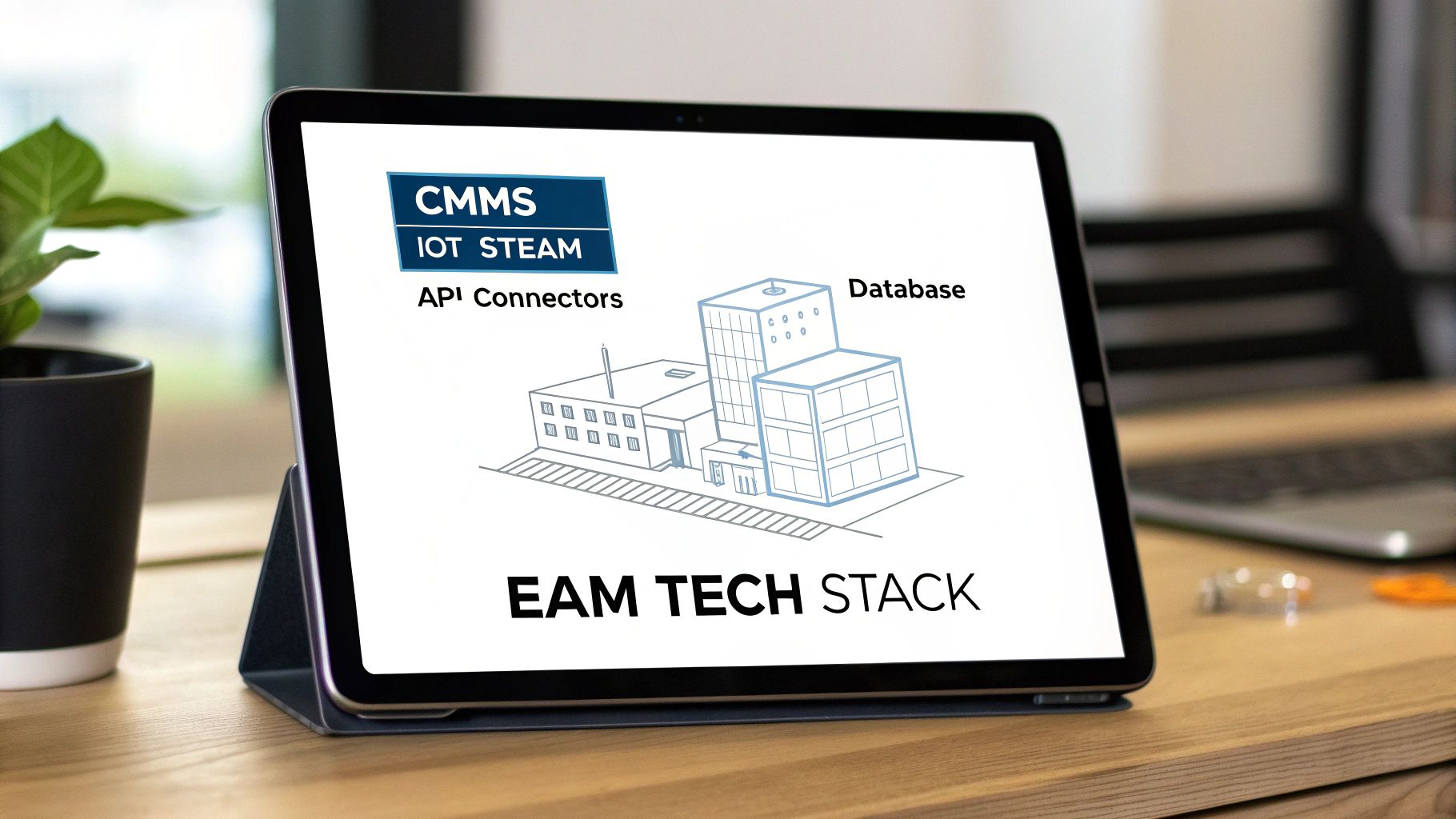
To really get what a modern EAM platform does, you have to look under the hood. Beyond the dashboard, an EAM system is a web of interconnected services creating a single source of truth. This isn't just a database; it's an event-driven system built for automation.
This architectural view is exactly why modern EAM is so interesting for developers. It’s not a closed-off black box. It’s an open platform designed for you to plug into, letting you build custom workflows and smart support layers right on top.
Asset Lifecycle Management Core
The bedrock of any EAM is Asset Lifecycle Management (ALM). This tracks each asset from procurement, through deployment and maintenance, all the way to retirement.
For a developer, it's like managing an object's state. An asset moves through states like procurement_pending, active, under_maintenance, or decommissioned. Every state change is an event that can kick off other processes, like pinging the finance system or scheduling a final data wipe.
The Maintenance and Inventory Engine
Sitting on top of the ALM core is the Computerised Maintenance Management System (CMMS). The CMMS schedules and tracks every maintenance task, from routine checks to emergency repairs.
Working with the CMMS is the inventory management module, which keeps tabs on spare parts and supplies. When the CMMS flags a server fan for replacement, the inventory system automatically reserves the part and adjusts stock levels.
An effective EAM platform is more than a passive asset registry; it's an active operational hub. The combination of ALM, CMMS, and inventory management creates a closed-loop system where asset status directly informs maintenance actions, and maintenance actions update asset status.
The Real-Time Data Ingestion Layer
This is where things get interesting. The data ingestion layer consumes real-time telemetry from your assets—a constant stream of health and performance data from IoT sensors, server monitoring agents, or industrial machinery.
Under the hood, this usually involves:
- Message Brokers: Tools like MQTT or RabbitMQ handle lightweight data from thousands of scattered IoT endpoints.
- Streaming Platforms: For heavy-duty scenarios, platforms like Apache Kafka process huge event streams in real time.
This data feed allows an EAM to shift from reactive to predictive maintenance. Instead of waiting for a server to fail, the system can spot a rising temperature trend, flag it as an anomaly, and automatically create a work order before it becomes a problem.
The Integration Fabric: REST APIs and Webhooks
For developers, this is the most important piece: the integration fabric. It's the collection of REST APIs, webhooks, and connectors that lets the EAM talk to everything else in your tech stack. It’s what turns the EAM from a data silo into a properly connected microservice.
This drive for connectivity is a huge reason for the market's growth. The global EAM market hit USD 5.10 billion in 2023 and is on track to reach USD 9.39 billion by 2030. You can explore the full market analysis on enterprise asset management if you want to dig into the numbers.
A solid API lets you hook your EAM into your ERP, your ITSM tool, and your own developer-first support tools. For instance, you could build a headless AI helpdesk that queries the EAM's API. When a user asks, "What's the status of my laptop repair?" the AI fetches live data straight from the CMMS, giving an instant, accurate answer without ever bothering a human agent.
Choosing Your EAM Architecture: On-Premise, Cloud, or Hybrid
Picking a deployment model for your EAM is a critical architectural decision. It's not just about where the servers live; this choice dictates total cost, velocity, data handling, and your team's ability to innovate.
You're choosing between total control, pure agility, or a practical mix. The path you take will define how your developers access asset data and how quickly you can plug in new tools. Let's break down the real-world trade-offs.
The On-Premise Fortress
Going on-premise means you own and operate the whole show. For organisations in tightly regulated spaces like finance or defence, this offers the ultimate level of control over data security.
But that control comes at a cost. You’re looking at a huge upfront capital expense. More importantly, it saddles your team with a massive, ongoing operational burden for patches, security, uptime, and disaster recovery. That’s engineering time spent maintaining infrastructure instead of building your product.
The Cloud-Native Default
For most modern companies, a cloud-based SaaS EAM is the obvious starting point. The vendor handles all the infrastructure, freeing your team to just use the platform and its APIs. This flips the cost model from Capex to a predictable Opex.
The advantages are huge:
- Speed: Up and running in days, not months.
- Scale: The platform grows with you automatically.
- Easy Integration: Modern cloud EAMs are built API-first, making it simple to connect other systems, like a headless AI helpdesk, using REST APIs and webhooks.
The main trade-off is control. Your data lives on someone else's servers. While major cloud providers have excellent security and regional hosting to meet rules like GDPR, it’s a factor you have to be comfortable with. For most, the gains in speed and focus are well worth it.
The Pragmatic Hybrid Approach
The hybrid model blends on-premise security with cloud flexibility. This is a common path for established companies with legacy systems that are too critical to rip out and replace.
A typical setup might keep sensitive asset data in an on-premise database but use a cloud-based EAM application for the modern UI and API access. It's a pragmatic way to innovate without a high-risk "big bang" migration. Just be aware that managing data sync and security across two environments adds complexity.
Before we dive into a direct comparison, it’s clear the trend is towards more powerful and flexible digital solutions. In Europe, the EAM market is expected to jump from USD 2.31 billion in 2026 to USD 4.98 billion by 2034, growing at a 10.08% CAGR. You can discover more insights about the European EAM market trends to see where things are headed.
EAM Deployment Model Technical Trade-Offs
Choosing between these models involves a series of technical and financial trade-offs. This table breaks down the core differences from an engineering perspective.
| Consideration | On-Premise | Cloud (SaaS) | Hybrid | | :--- | :--- | :--- | :--- | | Initial Cost | High (Capex: hardware, licences) | Low (Opex: subscription fees) | Medium (Mix of Capex/Opex) | | Operational Overhead | High (All on your team) | Low (Vendor manages it all) | High (Complex integration/sync) | | Deployment Speed | Slow (Months) | Fast (Hours/Days) | Moderate (Weeks/Months) | | Scalability | Manual & Expensive | Automatic & Elastic | Complex; depends on architecture | | Data Control & Security | Maximum Control | Vendor-managed; rely on their compliance | High (for sensitive on-prem data) | | API & Integration | Often limited; requires custom work | Excellent (Modern REST APIs, webhooks) | Mixed; bridge between legacy & cloud | | Developer Focus | Infrastructure Management | Application & Business Logic | System Integration & Data Sync |
Ultimately, the goal is to pick the architecture that lets your team spend less time managing infrastructure and more time creating value. For most new projects, a cloud-native approach offers the fastest path there.
Connecting Headless AI Support to Your EAM
This is where theory turns into automated reality. Your enterprise asset management system is an incredible source of truth, but it's usually locked away from the users who need its data most. Connecting that backend to modern, user-facing support infrastructure changes the game.
Think about the classic workflow. An employee needs to know their laptop repair status. They file a ticket and wait. It's a high-volume, low-complexity question begging for automation.
A headless approach flips this script. Instead of a clunky portal, you embed an AI chat component right where users work. They ask a question in plain English and get an instant, accurate answer. No ticket, no waiting. This is the core advantage of building infrastructure over buying bloatware.
From EAM Data to Instant Answers
This isn't magic; it's a smart data pipeline. The core idea is to sync asset data from your EAM into a specialized database built for fast, contextual lookups. You're turning static asset records into a living knowledge source for an AI.
The key is decoupling the data source (EAM) from the UI (the chat widget). This headless architecture gives you total freedom to build a slick user experience, while still relying on the rock-solid data your EAM manages. The process boils down to two phases: preparing the data, and then intelligently answering questions with it.
Building the Knowledge Foundation with Vector Search
First, you pull asset information out of your EAM and get it into a shape the AI can use. This is done by using the EAM’s APIs and webhooks to push data into a Vector Search database like Firestore.
Here’s a quick breakdown:
- API Polling: A script can hit your EAM’s REST API to grab changes to asset statuses or maintenance logs.
- Webhooks: The event-driven way. Your EAM fires a real-time notification to your system the moment an asset record changes.
- Data Transformation: The raw JSON data from the EAM gets cleaned, structured, and converted into numerical representations called embeddings that capture the data's semantic meaning.
- Indexing: These embeddings are stored and indexed in the Vector Search database. You now have a rich, searchable knowledge base of all your company assets.
This ensures your AI support layer is always working with up-to-date information.
By transforming structured EAM data into a queryable vector index, you build a living knowledge base that reflects the real-time state of your organisation's assets. This foundation allows a headless AI to provide answers that are not only fast but also contextually accurate.
The RAG Pipeline in Action
With the knowledge base ready, the second stage is handling the user's query. This is where a Retrieval-Augmented Generation (RAG) pipeline comes in.
When a user asks, "What's the status of my laptop repair?", the system kicks off a series of steps in milliseconds.
The RAG pipeline, often powered by a fast model like Gemini 1.5 Flash, orchestrates the process. It figures out the user's intent, retrieves the most relevant asset info from the vector database, combines this data with the original question, and hands it to the language model to craft a precise, human-sounding response.
This headless approach knocks out countless asset-related questions without a human touching a ticket. You take a clunky EAM backend and transform it into a seamless, intelligent experience.
5-Minute Setup: Code, Not Demos
Let's get out of theory and into the code. This is how to stand up a modern, intelligent AI support layer for your EAM system in about five minutes.
Step 1: Install the Foundation
Open your terminal. We’re taking a developer-first approach—no bloated UIs, just a single, clean command.
npm install @echosdk/react
That’s it. You've just installed the EchoSDK library. This gives you all the headless components you need to build a support experience that feels native to your application.
Step 2: Embed the Chat Component (3 Lines of Code)
Now, drop the component into your app. In React or Next.js, you import the component and pass it context, like the assetId the user is viewing. This is the key to escaping the dreaded "Seat Tax" that traditional helpdesks charge. You're not paying for agents; you're building a system that answers questions programmatically at $0.001 per query.
import { EchoChat } from '@echosdk/react';

function AssetDashboard({ assetId }) {
  return (
    <div>
      {/* The rest of your dashboard UI lives here */}
      <EchoChat
        context={{ assetId: assetId }}
        apiKey="YOUR_API_KEY"
      />
    </div>
  );
}
You own the UI. You control the context. The AI instantly knows which asset the user needs help with, so it can fetch the right maintenance logs or warranty info from your backend.
Step 3: Keep Your AI in Sync with a Webhook
The final piece is making sure the AI's knowledge isn't stale. A simple webhook is all you need. When an asset's status changes in your EAM, your system can fire off an event. A small Node.js handler can catch that webhook and tell EchoSDK to update its knowledge base.
This creates a live, dynamic loop. Your AI support layer is never out of sync with your EAM.
This simple install-embed-connect process gets you off the expensive, seat-based support treadmill for good. You end up with a fully integrated, usage-based system that you actually build and control, all powered by a modern RAG pipeline using models like Gemini 1.5 Flash and Vector Search.
It's a headless, developer-centric way to turn your static EAM into an interactive, automated support channel.
Measuring the ROI of Automated Asset Support

Hooking up a headless AI support layer to your enterprise asset management system isn't just a tech project—it's a financial one. An automated system is only as good as the money it saves. To prove its worth, you have to look at the real impact on your bottom line. Success is when users can solve their own asset-related problems instantly, without ever needing to talk to a person.
Core Metrics That Actually Matter
To build a solid business case, you need to zero in on the metrics that quantify the gains from automating repetitive asset queries.
- Ticket Deflection Rate: Your north star. It’s the percentage of user questions the AI handles without a human ever getting involved. A high deflection rate is direct, inarguable proof of ROI.
- Mean Time to Resolution (MTTR): When the AI answers a question, the resolution is practically instant. Slashing MTTR gets your team back to work faster.
- First Contact Resolution (FCR) by AI: This shows how many issues are completely solved in that first AI interaction. A high FCR means your AI has good, live data from the EAM. For a deeper dive into support metrics, check out our guide on service-level agreements for developers.
Escaping the "Seat Tax"
The maths gets compelling when you look at traditional helpdesks like Zendesk or Intercom, which run on a per-seat licensing model—the “Seat Tax.” You pay a hefty monthly fee for every agent, whether they’re busy or idle. It’s a model that punishes efficiency.
A usage-based model completely flips the script. Instead of paying for headcount, you pay a tiny fraction of a cent per query—up to 99% savings. Your costs are tied directly to value, rewarding automation, not bloating your support team.
By plugging in a headless AI to handle common EAM questions, you’re not just improving the user experience; you’re fundamentally changing your cost structure. Automation translates directly into real, measurable savings.
Frequently Asked Questions
Developers often have questions when hooking up modern support tools to their EAM systems. Let's tackle the most common ones.
How Does a Headless Helpdesk Integrate with Legacy EAM Systems?
This is the big one. Your legacy EAM might not have a clean, modern REST API. That's okay. A headless helpdesk like EchoSDK connects through APIs, but for older systems, you can set up simple data pipelines.
Think nightly CSV exports or a direct database connector. A small script can then take that data and refresh the Vector Search knowledge base that fuels the AI's RAG pipeline. This gives you a cutting-edge support layer without a full system migration. You effectively decouple the user experience from the clunky old backend, making it a powerful Zendesk alternative.
What Security Measures Are Critical When Connecting EAM Data to an AI?
Security is paramount. You're connecting sensitive asset data to an outside service. All data must move through secure, authenticated APIs with tight access controls.
The principle of least privilege is non-negotiable. The AI’s knowledge base should only have read-only access to the specific data it needs to function.
Choosing infrastructure with a rock-solid security posture is a must. A platform with SOC 2 compliance and GDPR readiness gives you the foundation you need to handle sensitive asset information without opening up your organisation to unnecessary risk.
Can This AI Model Handle Complex, Multi-Step EAM Workflows?
Absolutely. While the AI is fantastic at instantly answering simple questions, its real power lies in orchestrating complex tasks.
Imagine it diagnoses a hardware failure. The RAG pipeline can immediately find the correct replacement procedure. From there, it can fire off a webhook to your EAM or a tool like Jira, automatically creating a maintenance ticket. The ticket arrives pre-filled with all necessary context, giving your human team a perfect handoff for the physical repair. This blend of smart automation and seamless human handoff makes the whole process efficient.
Ready to build, not buy?
npm install @echosdk/react
That simple command is the first step away from the expensive "Seat Tax" and toward a usage-based model that you control. Start Free Trial or View Live Demo.